Instagram Story Ideas, Templates, Collages, and Music Videos in 2026
Get fresh Instagram story ideas, learn how to make collages, and discover the best templates and music trends to make your stories stand out.
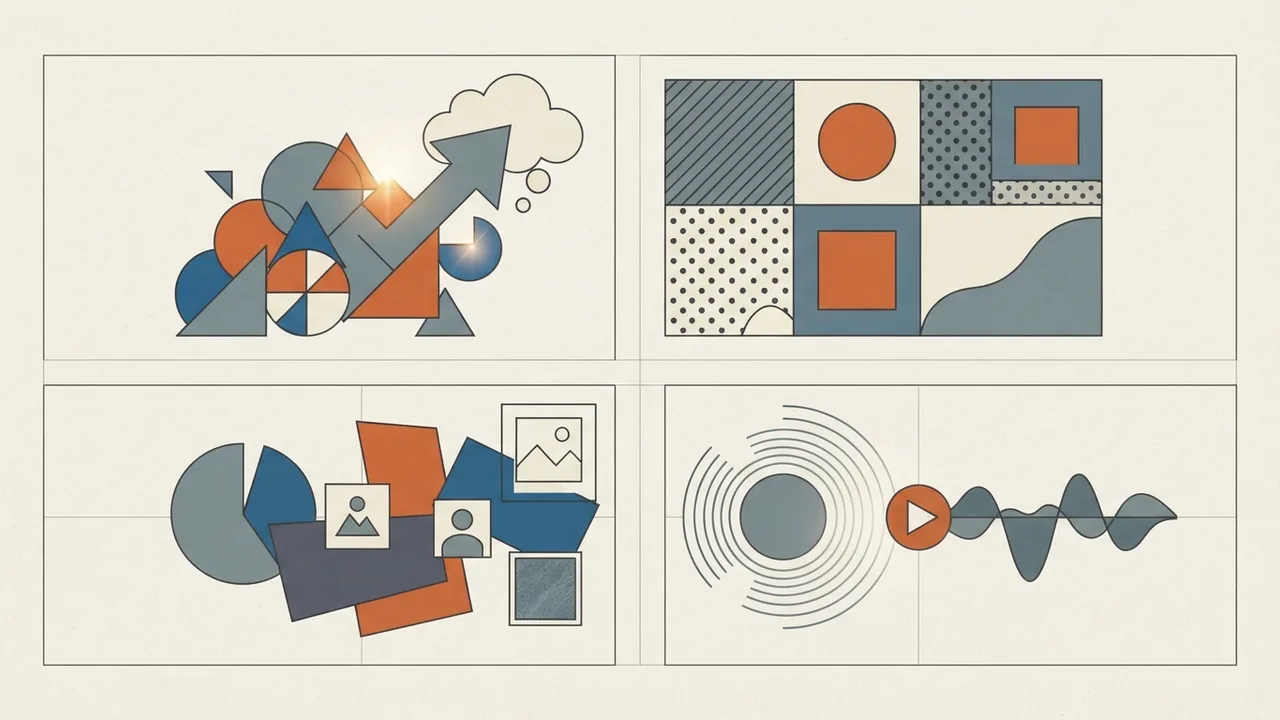
Instagram stories are one of the fastest ways to engage your audience, but coming up with fresh ideas every day is hard. Whether you are a creator, a small business, or just posting for fun, a few proven formats can keep your stories interesting and your viewers watching longer.
This guide covers practical Instagram story ideas, how to make a collage on Instagram story, where to find templates, and how to add music to story videos without overwhelming your audience.
Why Story Ideas Matter for Growth
Stories disappear after 24 hours, which makes them perfect for low-pressure, high-frequency content. The more often you post stories, the more opportunities your audience has to interact with you. Those interactions feed the algorithm and keep your profile at the front of the Stories bar.
Good story ideas also drive replies, shares, and profile visits. Those signals tell Instagram that your content is worth surfacing to more people.
10 Instagram Story Ideas That Work in 2026
- Behind the scenes: Show your workspace, setup, or production process.
- Poll or quiz: Ask your audience to vote between two options.
- Question box: Let followers submit questions you answer in later stories.
- Countdown sticker: Build anticipation for a launch, event, or announcement.
- Before and after: Transformations are highly shareable.
- Tutorial or quick tip: Teach something useful in 15 seconds.
- User-generated content: Reshare a follower's post or story with credit.
- Daily routine: A simple "a day in my life" sequence builds connection.
- Myth vs. fact: Bust a common misconception in your niche.
- Carousel story: Use multiple slides to tell a mini story.
For timing guidance, check our post on the best time to post Instagram stories.
How to Make a Collage on Instagram Story
A collage lets you combine several photos into one story frame. Instagram offers a built-in option, and third-party design apps give you more control.
Built-in method
- Open the Instagram story camera.
- Select the Layout option from the left-side menu.
- Choose a grid style such as 2x2 or 3x3.
- Tap each section to add a photo from your camera roll.
- Add text, stickers, or drawings, then post.
Design app method
Apps like Canva, Unfold, and Mojo offer collage templates with more customization. This is useful if you want consistent fonts, colors, and branded frames across all your stories.
Tips for better collages:
- Stick to one color palette per collage.
- Leave empty space so the frame does not feel crowded.
- Use a single focal image and supporting detail shots.
Where to Find Instagram Story Templates
Templates save time and give your stories a professional look. You can find free and paid templates from:
- Canva: Large library of editable story templates.
- Adobe Express: Clean, brand-friendly designs.
- Unfold: Minimal templates popular with creators.
- Mojo: Animated templates for more dynamic stories.
- Etsy: Premium template packs for specific aesthetics.
When choosing a template, make sure the text is readable on a small screen and that the style matches your overall profile aesthetic.
Adding Music to Instagram Story Videos
The Instagram story video with music format remains one of the most engaging story types. Music sets the mood and can increase watch time.
To add music:
- Open the story camera and record or upload a video.
- Tap the Music sticker at the top.
- Search for a track and select the segment you want.
- Choose whether to display lyrics or just the song title.
- Position the sticker and publish.
Best practices:
- Pick music that matches the energy of the clip.
- Keep clips short; 5 to 15 seconds is the sweet spot.
- Add captions because many users watch stories without sound.
- Use trending audio when it fits your niche.
How to Save Inspiration From Other Stories
Researching what works in your niche is part of a good content strategy. If you want to save public story inspiration without alerting the creator, you can use ViewInsta's Instagram Story Viewer to view and download public stories anonymously. This is useful for building mood boards or studying competitor formats.
Frequently Asked Questions
How many story slides should I post per day?
There is no perfect number, but 3 to 7 slides per day is a sustainable range for most accounts. Quality matters more than quantity.
Can I use the same template every day?
Yes, as long as you vary the content. Consistent framing helps brand recognition, but repetitive messaging can cause viewers to skip.
What is the best collage layout for stories?
A 2x2 or 3-photo layout works well because it is easy to scan quickly. Avoid layouts with more than four images unless the photos are very simple.
Do stories with music get more views?
Music can improve watch time and engagement, which indirectly helps reach. However, the content itself is still the most important factor.
Can I schedule Instagram stories?
Yes. Meta Business Suite and several third-party tools let you schedule stories in advance. For a guide, see how to schedule Instagram stories.
Sources
Creator tools that run in your browser
Check Reels safe zones, split panoramas into seamless carousel slides, plan your grid, and estimate UGC rates.